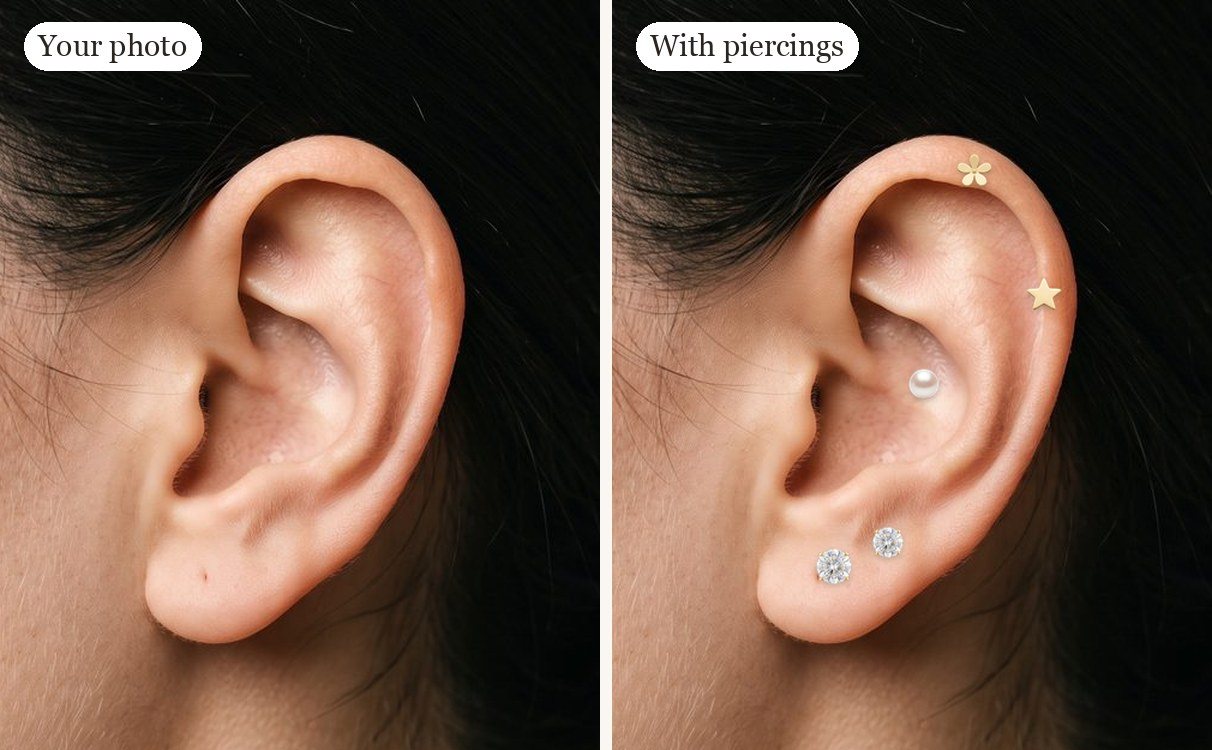
A free ear piercing simulator for planning your ear stack
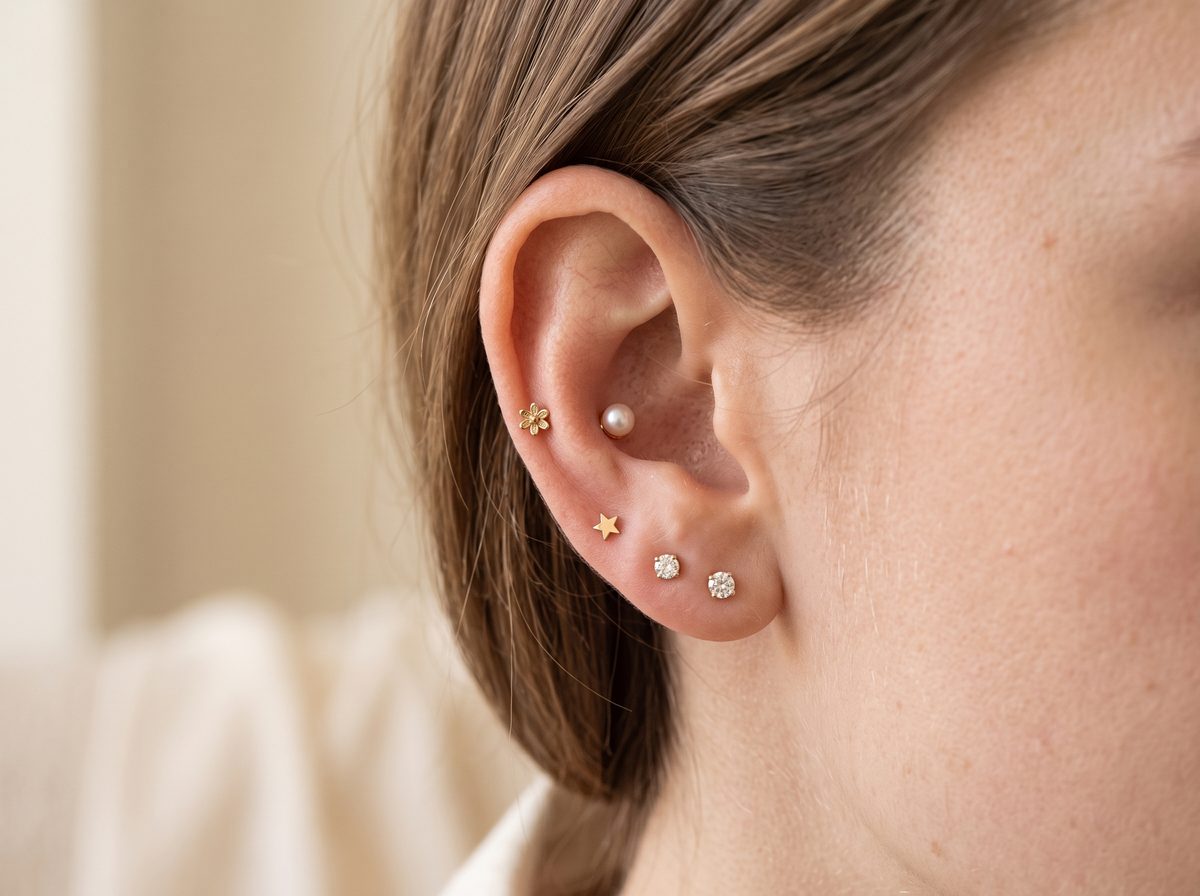
Not sure whether a conch stud will crowd your helix, or how many lobe piercings fit before it looks busy? This ear piercing simulator lets you try a whole ear stack before you book: place studs, hoops and rings on 14 piercing spots, mix gold and silver, and compare your left and right ear. Every spot shows typical pain and healing time, so you can plan which piercings to get first and which to save for later.
How to use the ear piercing planner
- Pick a stud, charm or hoop from the jewelry styles.
- Tap any dot on the ear to place it. Tap again to remove.
- Switch between left and right ear, and turn on names to see each piercing.
- Download the image and show it to your piercer.
Popular curated ear ideas
Minimal stack: Standard lobe + second lobe + helix studs in the same metal.
Statement ear: Lobe hoops + conch stud + flat with a larger decorative top.
Cartilage focus: Forward helix + helix + daith ring.
See every placement, with pain and healing time, in our ear piercing types guide.
Ear piercing guides
Each guide covers where the piercing sits, the pain level, healing time, gauge and jewelry, plus a free try-on on the planner:
Helix piercing Forward Helix piercing Flat piercing Rook piercing Daith piercing Tragus piercing Conch piercing Snug piercing Anti-Tragus piercing Auricle piercing Lobe piercing Upper Lobe piercing Industrial piercing
FAQ
Is this ear piercing simulator free?
Yes — the ear piercing simulator is completely free, with no sign-up and no limits. It runs in your browser and your designs are not uploaded anywhere.
Do I need an account to use the ear piercing planner?
No — there is no account, no sign-up and nothing to install. Open the planner and start tapping; the plan you build stays on your device.
Which ear piercing hurts the least?
Lobe piercings hurt the least — usually rated 1–3 out of 10 — because the lobe is soft tissue with no cartilage. Cartilage piercings such as the snug, rook and industrial are reported as more painful, up to about 7/10. Pain varies a lot from person to person.
How long do ear piercings take to heal?
Earlobe piercings typically heal in about 6–8 weeks, while ear cartilage piercings take about 6 months to a year, according to the Association of Professional Piercers. Always follow your piercer's aftercare advice.
How many ear piercings can I try at once?
All 14 placements can be filled at the same time — the planner puts no limit on your stack. Tap each dot to add a piercing, then swap the jewelry, metal and skin tone until the look feels right.
Can I save or share my ear piercing plan?
Yes — tap Save to download your curated ear as an image, or share it directly on supported devices. The postcard-style image lists each piercing and its jewelry, so you can show it to your piercer.
Can I try piercings on my own ear, not a diagram?
Yes — the photo try-on lets you upload a picture of your own ear and drag studs, pearls and charms onto it. Like the planner, it runs in your browser and the photo never leaves your device.
Does the planner show how painful each piercing is?
Yes — every placement shows a commonly reported pain level on a 1–10 scale, plus a healing time estimate. You can compare all spots at a glance in the ear piercing pain chart.
What jewelry can I try in the simulator?
Fourteen styles: 11 photo-real studs, pearls and charms plus hoops, huggies and clicker rings, each in gold, silver, rose gold or black. Tap any placed piece to restyle or remove it.
Can I use the planner on my phone?
Yes — the planner works on phones, tablets and desktops in any modern browser. On mobile the jewelry controls dock to the bottom of the screen so the ear stays in view.
This planner is for visual inspiration only. Placement depends on your anatomy. Pain and healing information is general and is not medical advice — consult a professional piercer.